How to Choose the Right Project Management App: A Comparison of DOMINGO and Competitors
CP
Understanding Your Needs
Choosing the right project management app is crucial for the success of your team. With various options available, it can be challenging to determine which one best suits your needs. Begin by identifying the specific requirements of your projects, such as task management, collaboration, or time tracking. Knowing what features are a priority will help you narrow down your options.
Consider the size of your team and the complexity of your projects. A small team with straightforward projects may not need the robust features that a larger team with complex projects would require. This initial assessment is key in selecting the most suitable project management app.

DOMINGO: A Closer Look
DOMINGO is a versatile project management app designed to streamline workflows and enhance productivity. It offers a user-friendly interface and a range of features such as task delegation, deadline tracking, and real-time collaboration. Its intuitive design makes it easy for teams to adapt quickly.
One of DOMINGO's standout features is its integration capabilities with other popular tools, allowing seamless data flow and improved efficiency. This integration can be a significant advantage if your team already uses other software for communication, file storage, or analytics.
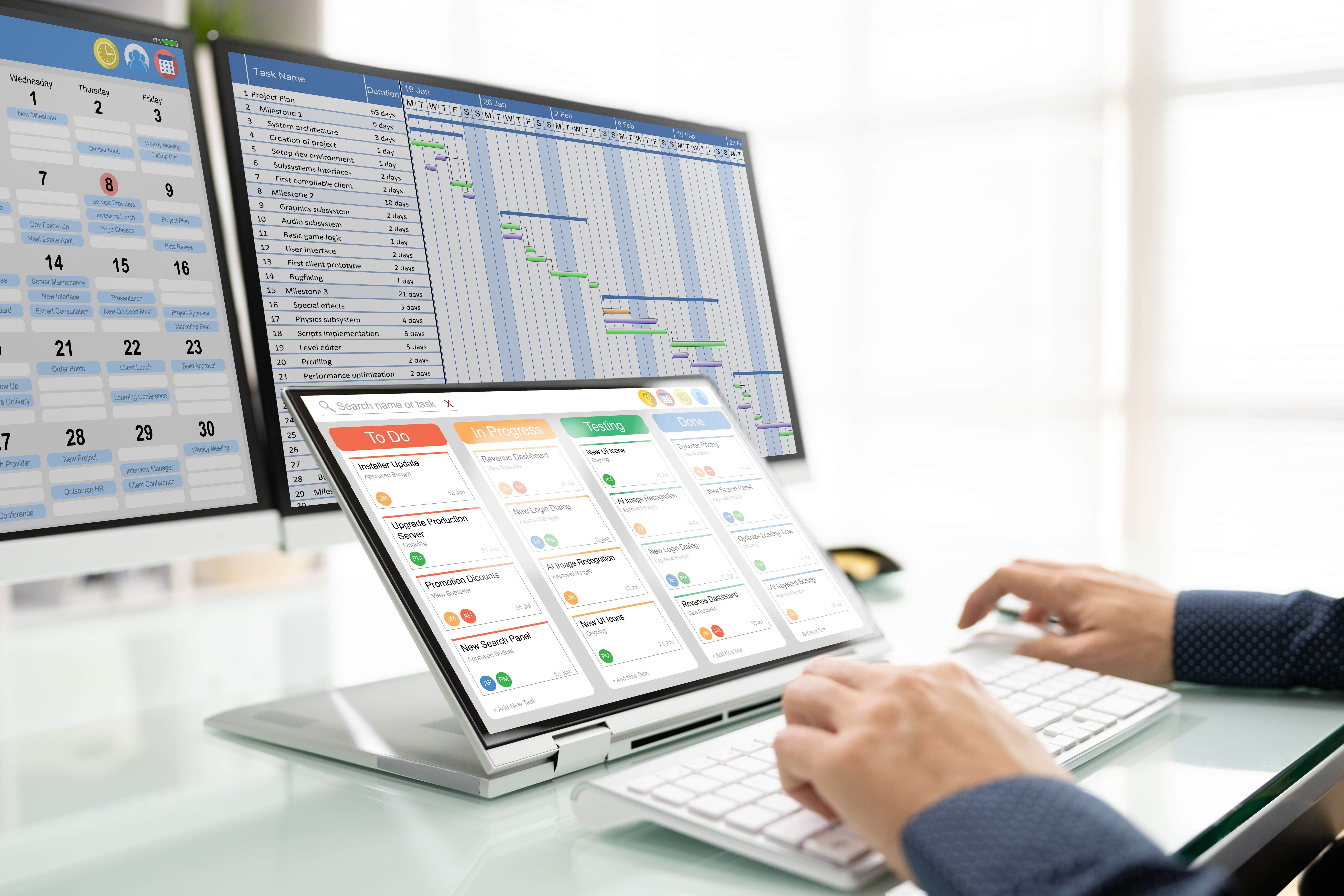
Key Features of DOMINGO
- Task Management: Organize tasks efficiently with Kanban boards and Gantt charts.
- Collaboration: Real-time chat and file sharing to keep everyone on the same page.
- Integration: Connect with tools like Slack, Google Drive, and Trello.
- Customization: Adapt the app's features to fit your workflow.
Comparing Competitors
While DOMINGO offers a comprehensive suite of features, it's essential to compare it with other popular project management apps to ensure it meets your needs. Let's look at some competitors and their unique offerings.
Trello
Trello is known for its simplicity and visual approach to task management. It uses boards, lists, and cards to organize tasks, making it an excellent choice for teams that prefer a straightforward, visual tool. However, it may lack some advanced features necessary for larger, more complex projects.

Asana
Asana provides a robust platform for managing projects with features like task assignments, deadlines, and progress tracking. Its timeline feature helps teams visualize project milestones. Asana is well-suited for teams that require detailed project tracking and reporting.
Jira
Jira is tailored for software development teams and offers advanced bug tracking and agile project management features. Its complexity can be overwhelming for non-technical teams, but it's a powerful tool for those in the tech industry.
Making the Right Choice
Ultimately, the right project management app for your team depends on your specific needs and the nature of your projects. Consider factors such as ease of use, integration capabilities, and feature set when making your decision. A trial period or demo can also help you gauge whether a particular app fits your team's workflow.
By taking the time to evaluate your options and understanding what each app has to offer, you can select a project management tool that enhances your team's productivity and streamlines your projects.